 AMS StudioGet Amy access
New in AMS Studio, November 13, 2026
Say yes once. Keep the final say.
Amy now plans your whole custom shirt order in one card: the steps, the in-hand date and a credit cap you see before you agree. Approve it, and she makes her own design picks and artwork fixes inside that cap.
Approving the proof and paying stay with you. Always.
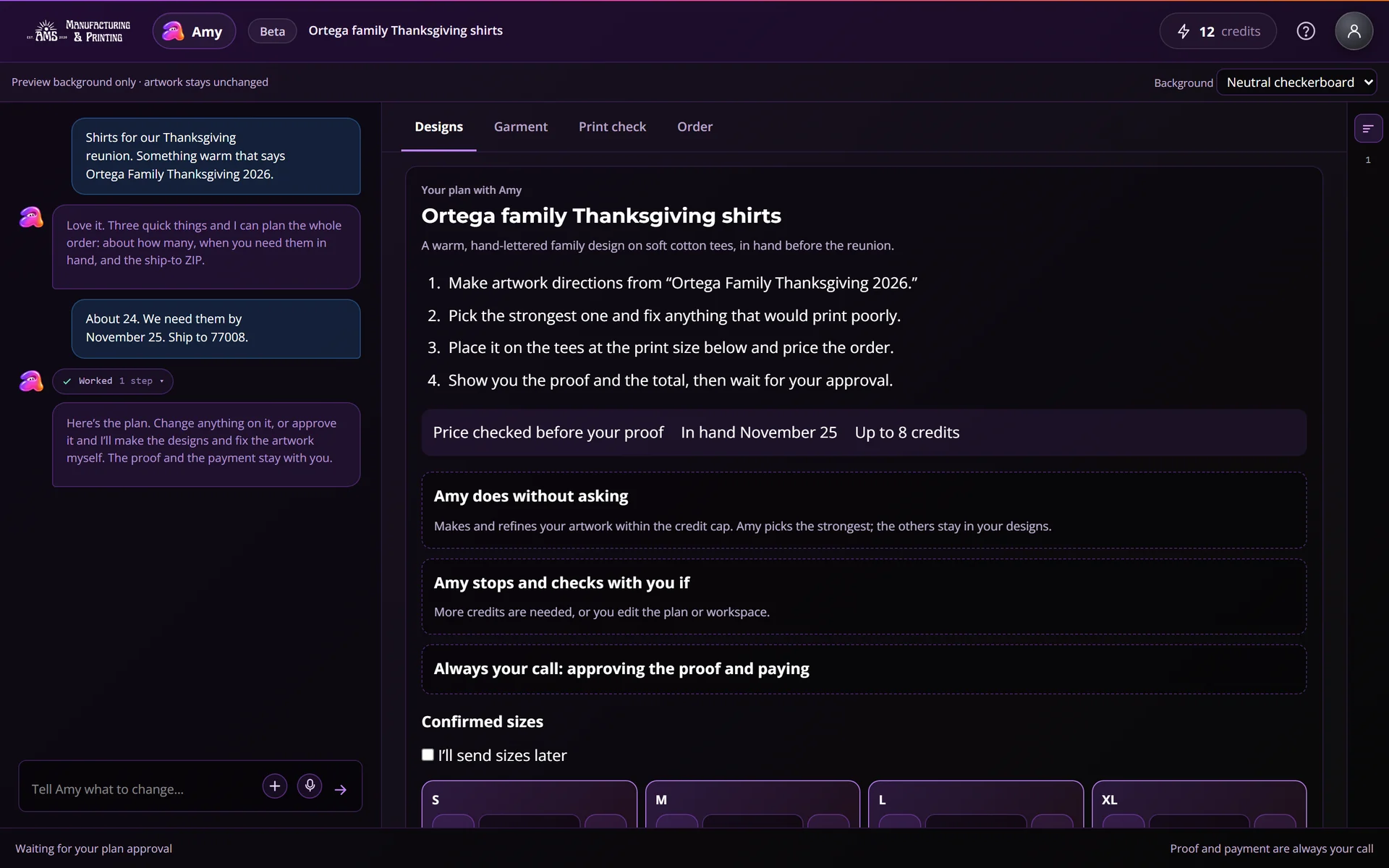
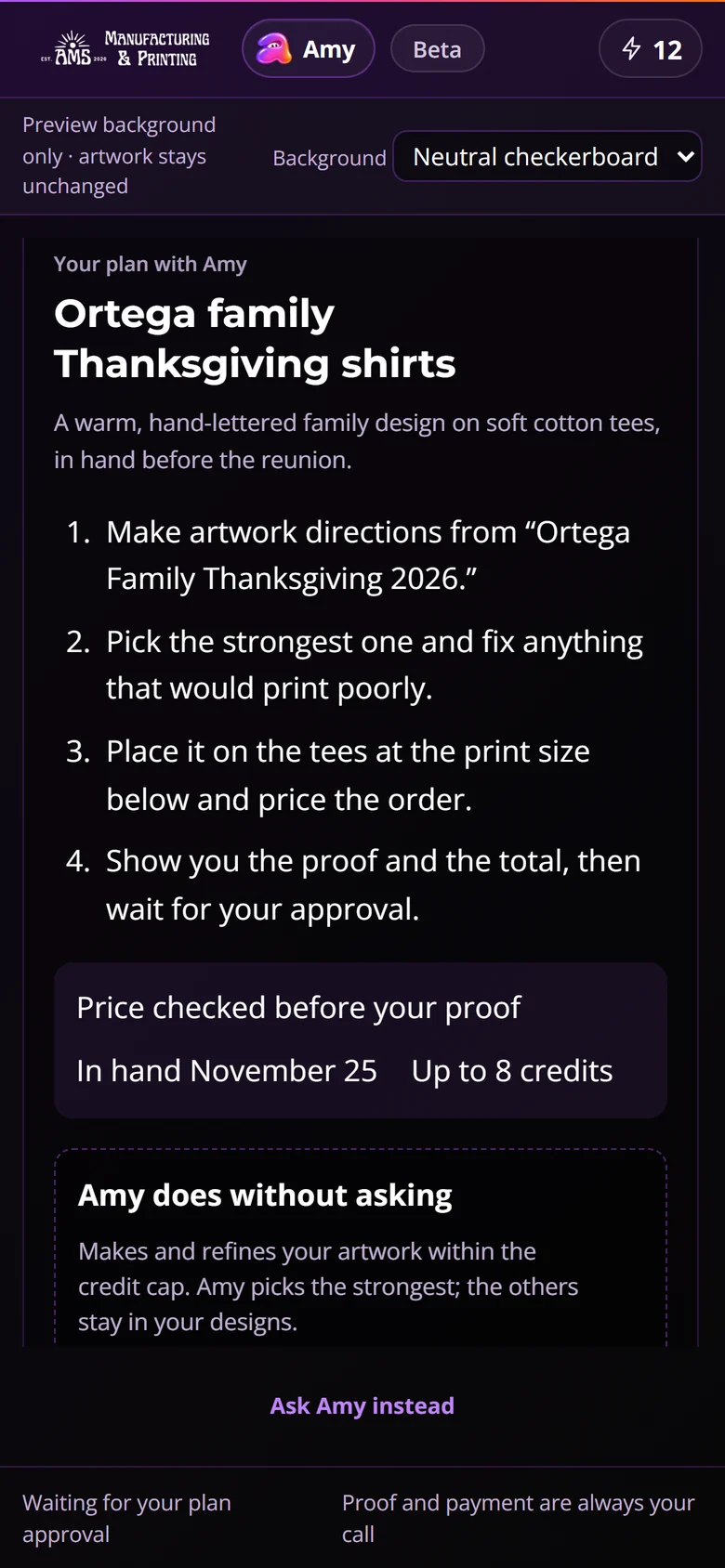
One card says what Amy may do, and what she may not.
Every plan carries the same three answers, in plain words, before you approve anything.
Amy does without asking
Makes and refines your artwork within the credit cap. Amy picks the strongest; the others stay in your designs.
Amy stops and checks with you if
More credits are needed, or you edit the plan or workspace.
Always your call
Approving the proof and paying.
Try the plan card
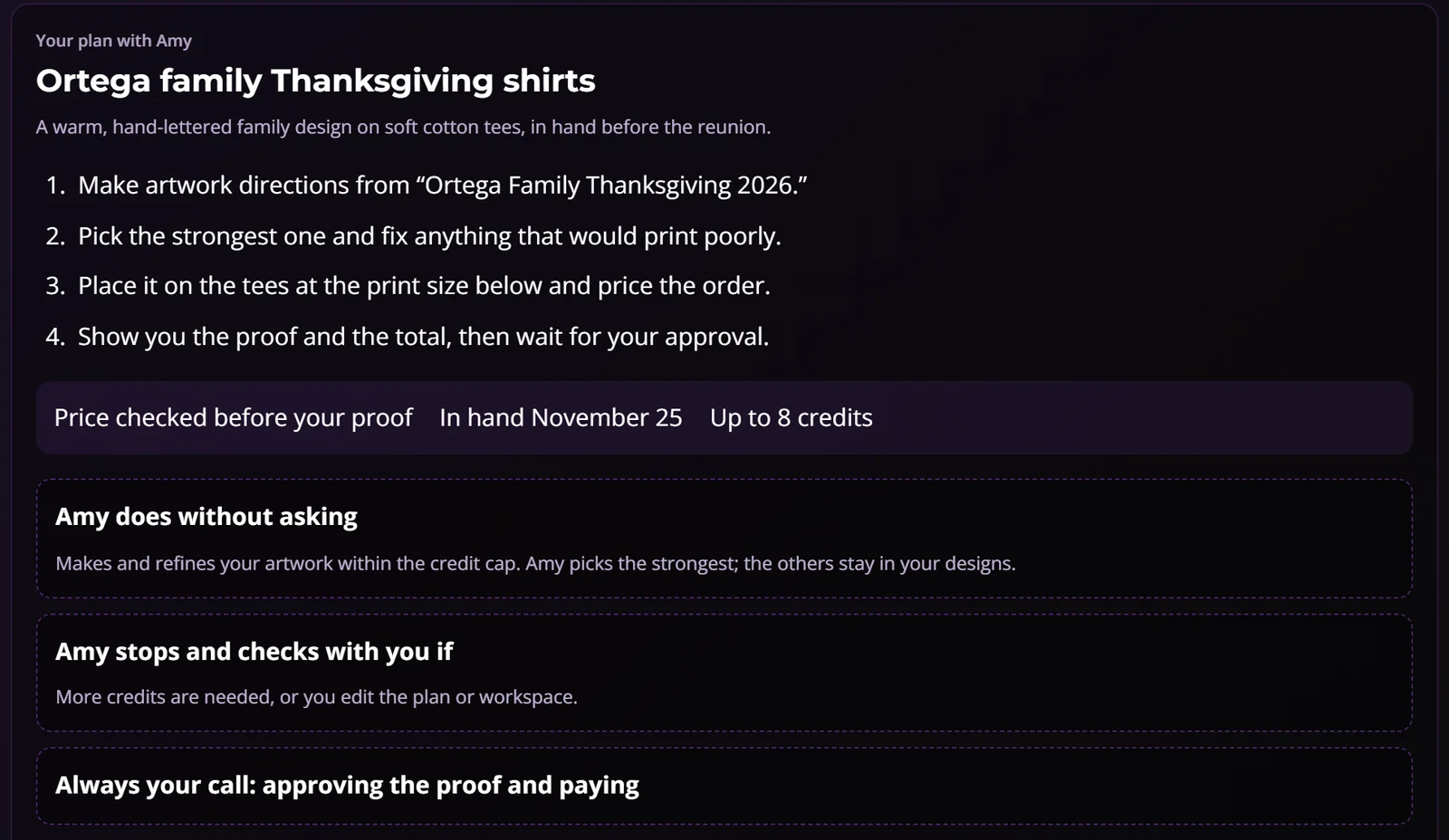
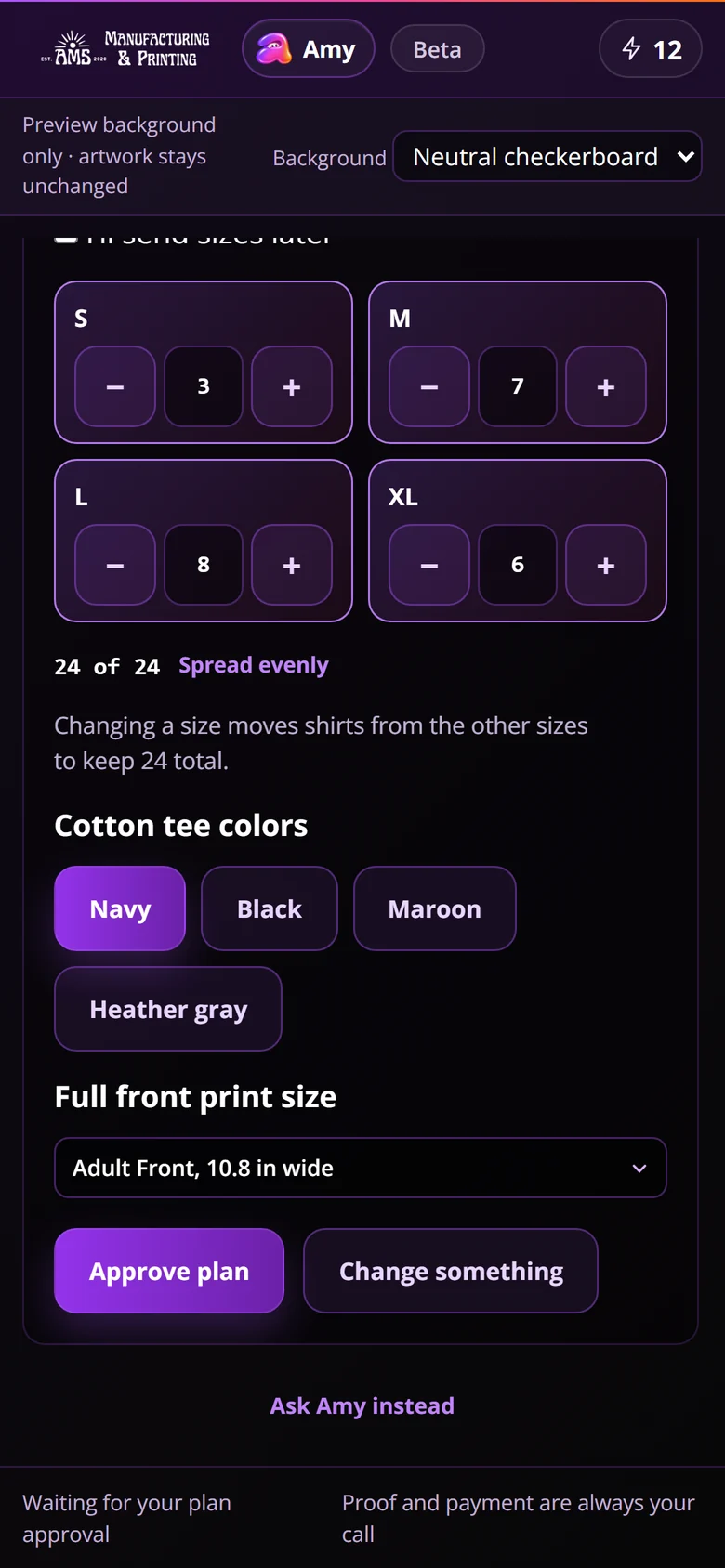
This is the same card Studio shows, filled with a sample order. Change a size, pick a color, choose a print size, then approve it.
Ortega family Thanksgiving shirts
A warm, hand-lettered family design on soft cotton tees, in hand before the reunion.
- Make artwork directions from “Ortega Family Thanksgiving 2026.”
- Pick the strongest one and fix anything that would print poorly.
- Place it on the tees at the print size below and price the order.
- Show you the proof and the total, then wait for your approval.
Makes and refines your artwork within the credit cap. Amy picks the strongest; the others stay in your designs.
More credits are needed, or you edit the plan or workspace.
What happens next
Change a size, pick a color or choose a print size, then approve the sample plan to see what Amy does next. Nothing here creates an order or spends credits.
Try to make Amy overstep
Pick a situation. Each answer is how Studio behaves today, not a promise about later.
How a plan fits into an order
Tell Amy what you’re making.
She asks only for what she still needs: what the shirts say or show (or your artwork), about how many, when you need them in hand, and the ship-to ZIP.
Review one plan.
Steps, the estimated total when she has one, the in-hand date and the credit cap. Confirm sizes or send them later, pick garment colors and choose a print size.
Approve it, or change something.
“Change something” sets the plan aside and puts your cursor in the message box, so you can tell Amy what to change.
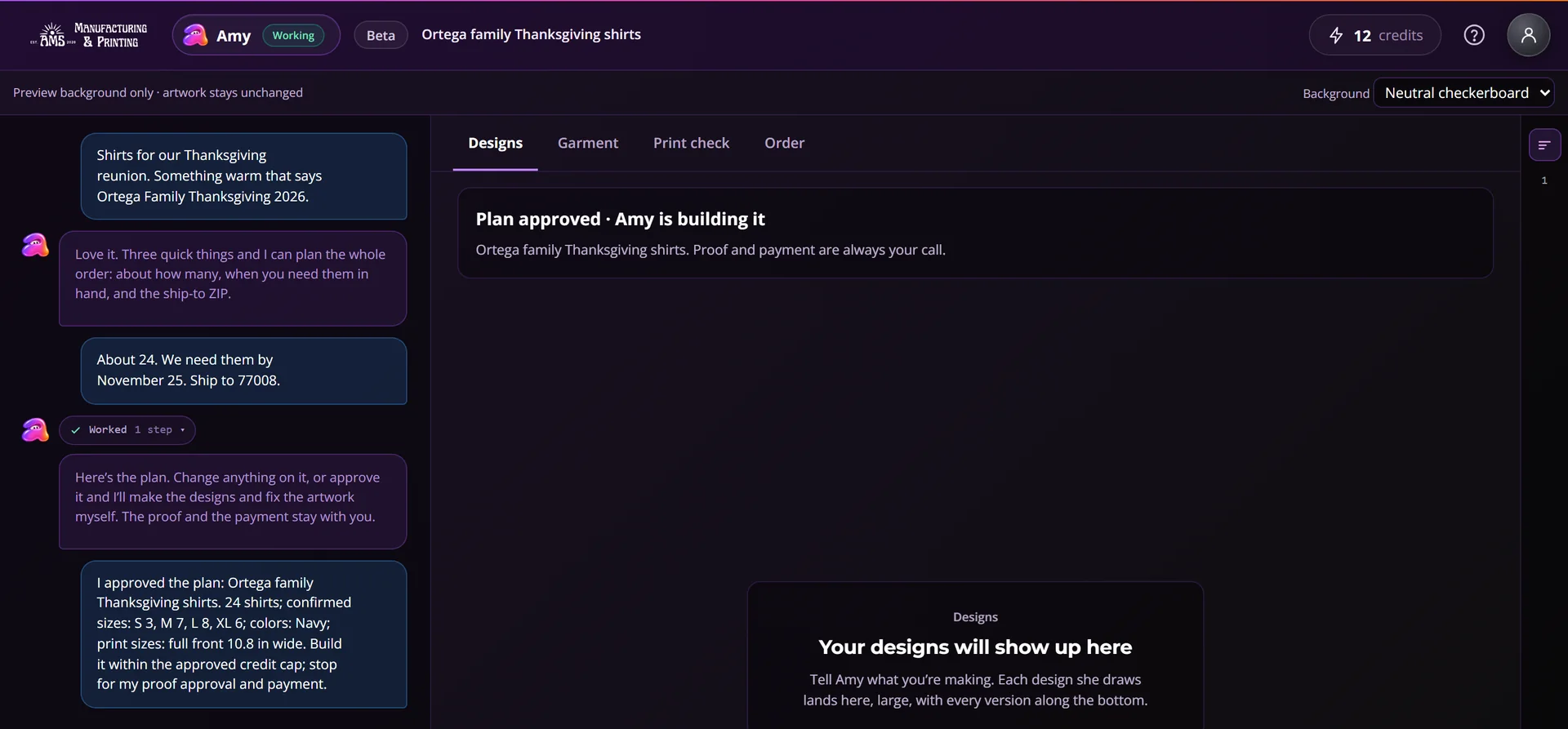
Amy builds. You approve the proof and pay.
She picks the strongest design and keeps the others in your Designs. Ask “what else did you make?” whenever you like.
Why we built it this way
We wanted Amy to save people the tapping without ever holding the wallet.
Why a print shop’s AI asks once, shows its limit first and is never allowed near the money.
Read why we built it this wayQuestions about plans
Who can use plans?
Plans are part of AMS Studio, which opens in stages. If your account has Studio access, Amy offers a plan once she knows enough about the order. If it does not, the access buttons on this page show where your account stands.
When does Amy offer a plan?
For a whole order, once she knows what the shirts say or show (or has your artwork), about how many you need, when you need them in hand and the ship-to ZIP. She asks only for what is still missing.
What does the credit cap mean?
It is the Studio credit balance you have when you approve, shown on the card as “Up to N credits.” Amy can approve her own design and artwork steps up to that number. Anything past it comes back to you.
What if Amy picks a design I don’t love?
The other designs stay in your Designs. Ask “what else did you make?” and she shows them. Nothing is ordered until you approve the proof and pay.
What ends a plan?
Any change you make yourself in the workspace, 24 hours passing, a new plan replacing it, or AMS switching plans off. After that, Amy asks before each step again.
Could a step be paid for twice?
No. A repeated request is recognized, so the same step is never charged twice.
Can Amy pay for my order?
No. Approving the proof, checkout and anything involving money stay with you, every time.
Will Amy tell me when a design is ready?
Studio can text or email you when a design finishes, if you ask it to.
The full guide, with troubleshooting, is in the Help Center: Approve a plan with Amy.
Get Amy access
Amy is opening in stages, starting in AMS Studio. The buttons below show where your account stands: join the waitlist, sign in, or open Studio if you’re already in.
Checking Studio access…