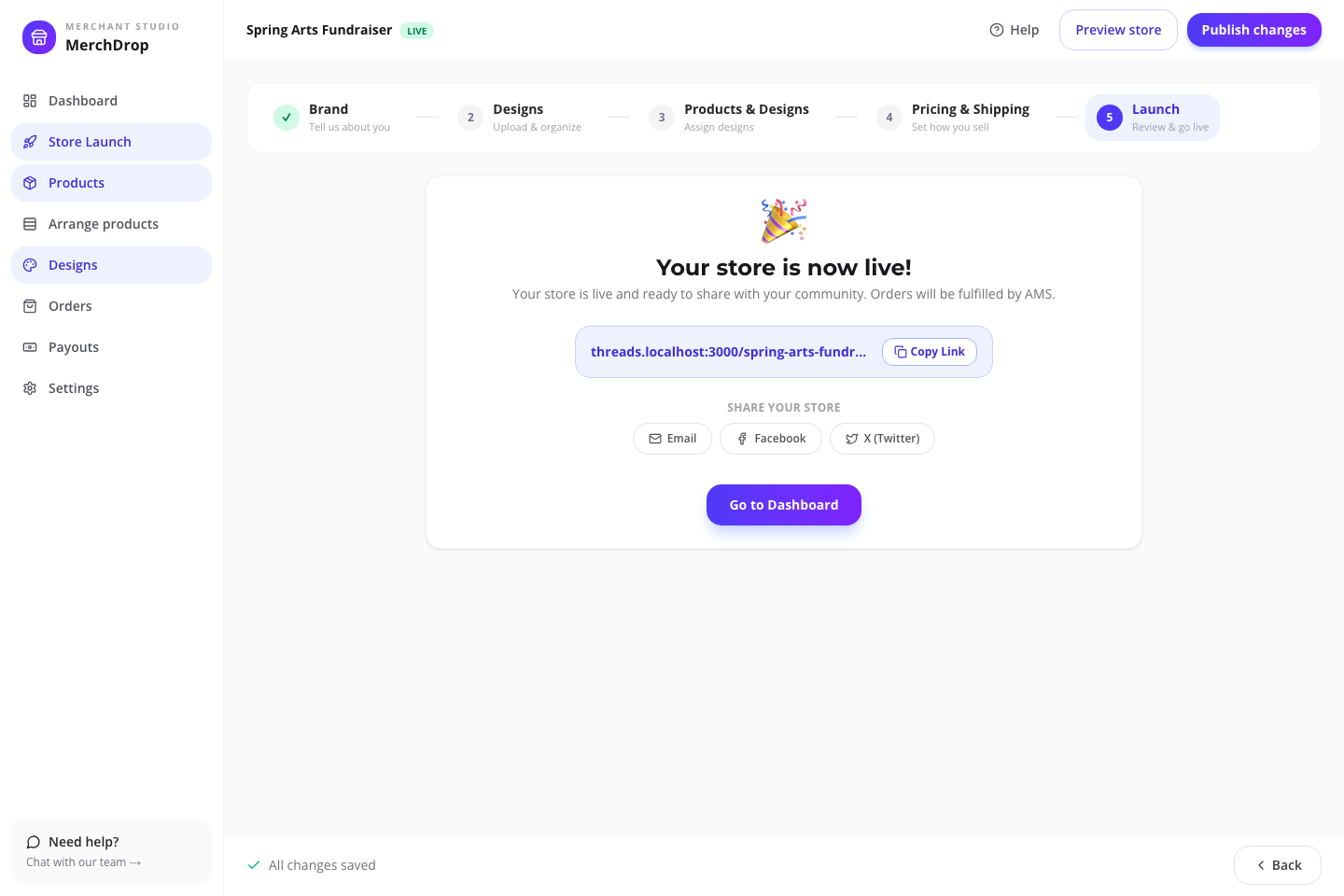
A company swag store fits when employees, crews, or customers pay for their own branded gear from a short, approved assortment they would actually wear. Company-funded gifting, kits, allowances, and inventory need a scope review before anyone builds a store.
For owners, office managers, and HR or operations leads with a defined team or customer audience—not a white-label platform for launching a merch brand.
You choose and publishYour people order for themselvesAMS produces each paid order
Employee-paid merchandise, company uniforms, new-hire gifts, event bulk orders, and global reward programs have different approval, budget, access, inventory, and reporting needs.
01
Employee/customer paid: campaign store may fit
02
Employer funded or allowance based: assisted scope review
03
Uniform program: separate product and operations review
04
Event quantity already known: a bulk order may be cleaner
Company assortment logic
Choose what gets worn, not what fills a catalog.
Lead with a performance polo or everyday tee, then add approved headwear or a tote only when the job and audience make sense. K500 is currently a limited-stock warning; K540 is the stronger-stock performance evaluation path.
Four decisions in one readable frame: organize approved artwork, place it, set retail against the current estimate, and publish only when you are ready. The fixture is fictional; the decisions are the real ones you will make.
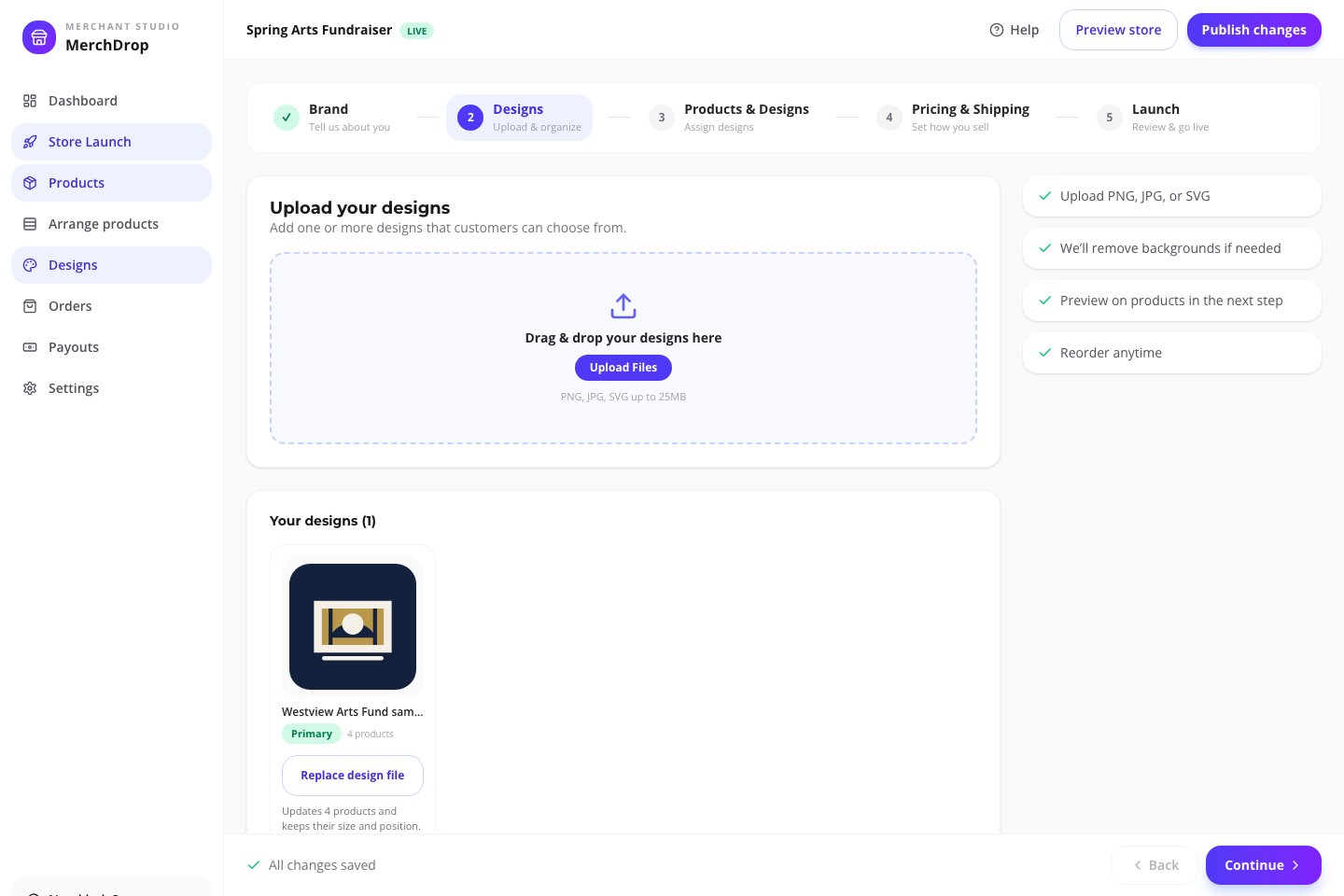
Organize approved artwork and see where it is already in use.Actual browser capture · fictional Relay Field Services sample · July 2026
01
Organize
Give every mark a job.
Keep primary, supporting, and placement-specific artwork together so the product plan is understandable before mockups begin.
Organize approved artwork and see where it is already in use.Actual browser capture · fictional Relay Field Services sample · July 2026
02
Design
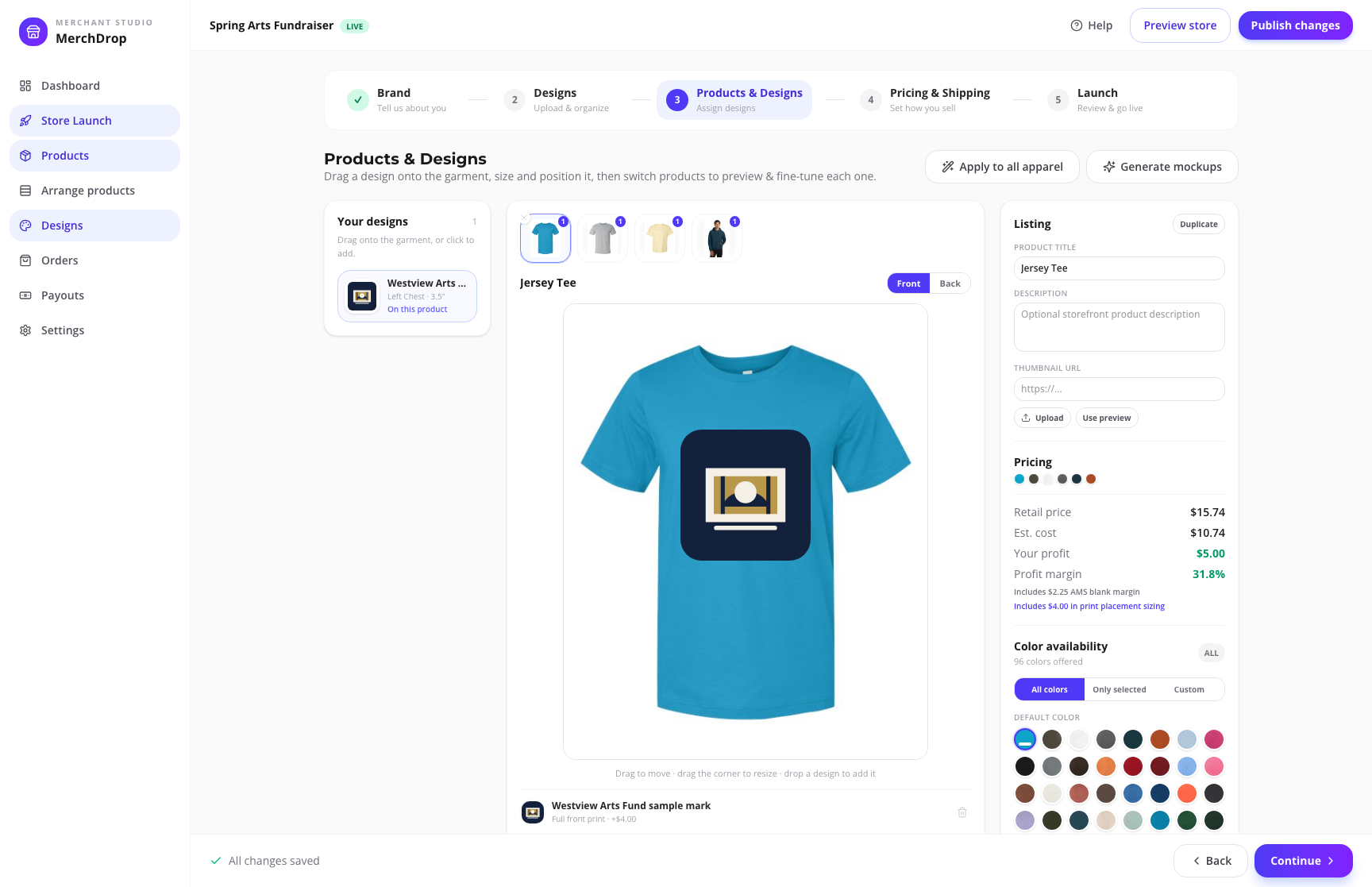
Place the art where it belongs.
Assign artwork by product and placement—front, back, left chest, or sleeve—then review the actual setup instead of describing it in a group text.
Assign the real catalog products and decoration placements shoppers will see.Actual browser capture · fictional Relay Field Services sample · July 2026
03
Price
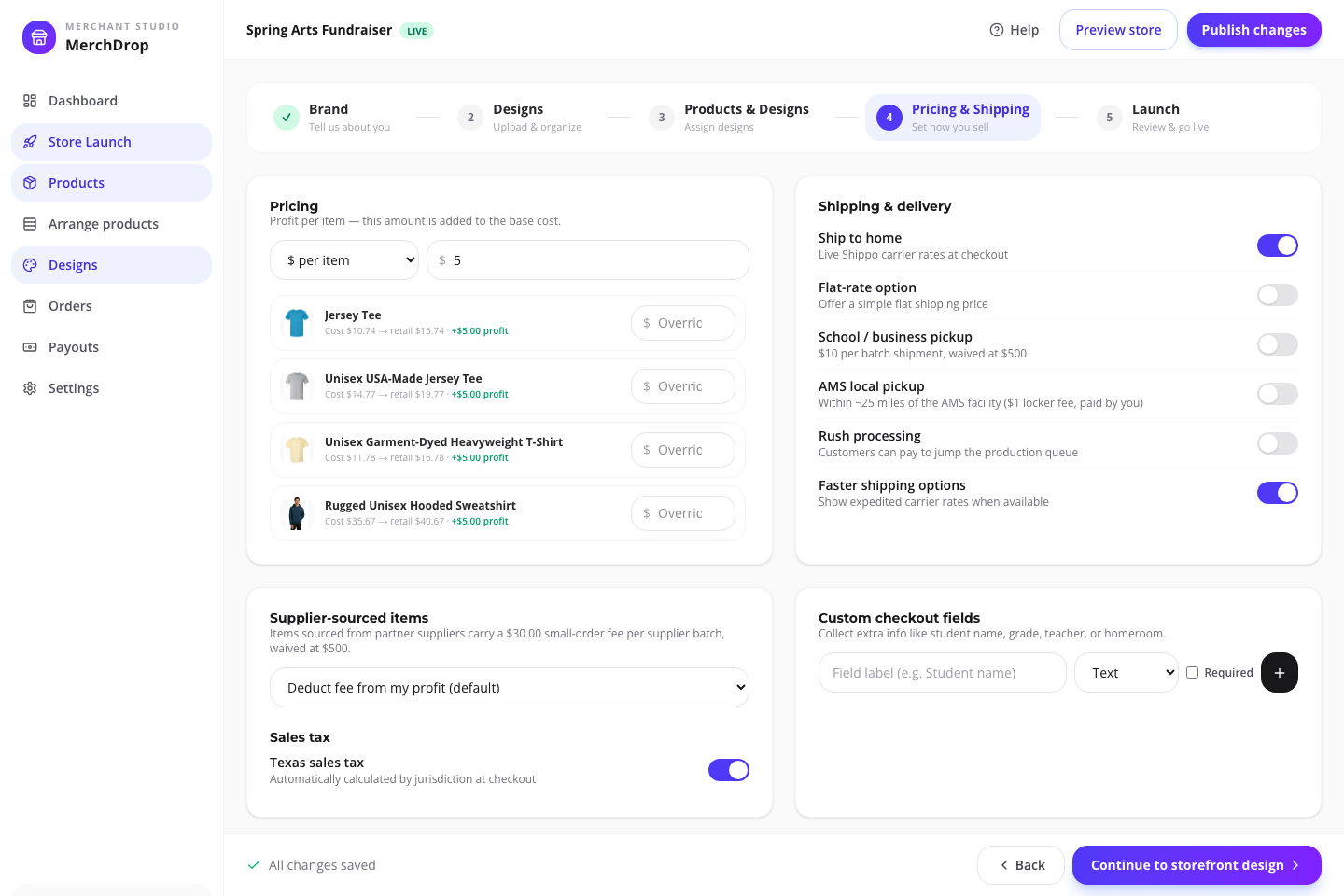
Review the economics before shoppers do.
Compare the current estimated cost, the retail price you choose, and the estimated organizer profit. Starting catalog price is not the same thing as campaign profit.
Review current estimates, organizer-set pricing, and fulfillment before launch.Actual browser capture · fictional Relay Field Services sample · July 2026
04
Publish
Draft until the details are ready.
Arrange the storefront, check fulfillment and policy details, then publish deliberately. A saved draft is not a live store.
Publish deliberately, then share one store link with the group.Actual browser capture · fictional Relay Field Services sample · July 2026
What your people see
An employee store is different from an enterprise swag program.
A polished retail storefront can remove size and payment collection. Employer-funded gifts, stipends, points, private access, inventory, HRIS, and global distribution require a separate scope review.
One link for the whole group.Actual public sample storefront · fictional brand · checkout disabledProducts arrive ready to choose.Actual mobile product page · fictional sample campaignEvery shopper handles their order.Actual mobile sample checkout · payment disabled server-side
Who does what
Clear ownership prevents launch-day surprises.
Three jobs, no overlap: you decide what is sold and when it goes live; each shopper handles their own size, payment, and delivery choice; AMS produces and fulfills paid orders.
Organizer
Chooses the audience, products, approved artwork, placements, retail prices, promotion, and publishing state.
Shopper
Selects from available products and options, chooses an available delivery path, acknowledges policy, and pays the checkout total.
AMS
Provides the current catalog and workflows, then moves paid configured orders through production and the campaign’s available fulfillment path.
See the estimate. Own the price. Publish deliberately.
A catalog starting price, your retail price, the current estimate, and estimated organizer profit are four different numbers. The editor shows their relationship before anyone else sees the store.
01
Product cost changes with the actual setup
Product, size, color, decoration placement, sourcing, and timing can change the estimate. The live catalog rail shows a current decorated-from starting point—not a fixed campaign quote.
02
You choose the retail price
The campaign editor shows the relationship between estimated cost, your retail price, and estimated organizer profit before the store is published.
03
The shopper chooses an available delivery path
Shipping and configured pickup options are shown in the live store. Available methods and totals depend on the campaign setup and the shopper’s selections.
04
AMS moves paid orders into production
Orders follow sourcing, production, quality check, packing, and delivery. Made-to-order items require a clear final-sale acknowledgement during checkout.
Before you launch
Questions worth answering now.
Short answers now beat surprises after the store is live.
Does this include employee allowances, points, SSO, or HRIS?
Those enterprise program features are not promised by this page. Use assisted review for employer-funded allowances, points, private access, HRIS automation, global gifting, inventory, warehousing, or complex reporting.
Should we use K500 or K540 for polos?
K500 is the traditional polo option but carried a dated limited aggregate-stock warning in the July 23, 2026 catalog snapshot. K540 had stronger aggregate stock and a performance-polyester proposition. The material, look, selected colors/sizes, and live availability must be approved before substitution.
What does the organizer control?
The organizer chooses the campaign type, store name, artwork, products, placements, retail pricing, duration or goal where relevant, storefront arrangement, fulfillment settings, and when the draft is published.
What does “decorated from” mean in the product rail?
It is the current public catalog starting-price field for a decorated product. It is not your campaign retail price, guaranteed cost, organizer margin, or a promise for every size, color, placement, or deadline.
Can I get help after I start?
Yes. The Campaign Store help path covers setup and editor tasks, and the assisted-launch form on this page creates a merchant store help request with your audience and launch need.
When does the store become public?
Campaigns begin as drafts. You review products, artwork, pricing, fulfillment, content, and listing arrangement before publishing the live storefront.
Start with a private draft
Put the approved brand where the team can order it.
Start an apparel-led draft if the employee-paid scope fits, or send AMS the program brief when funding, access, or inventory makes it bigger than a store.
 Campaign Stores
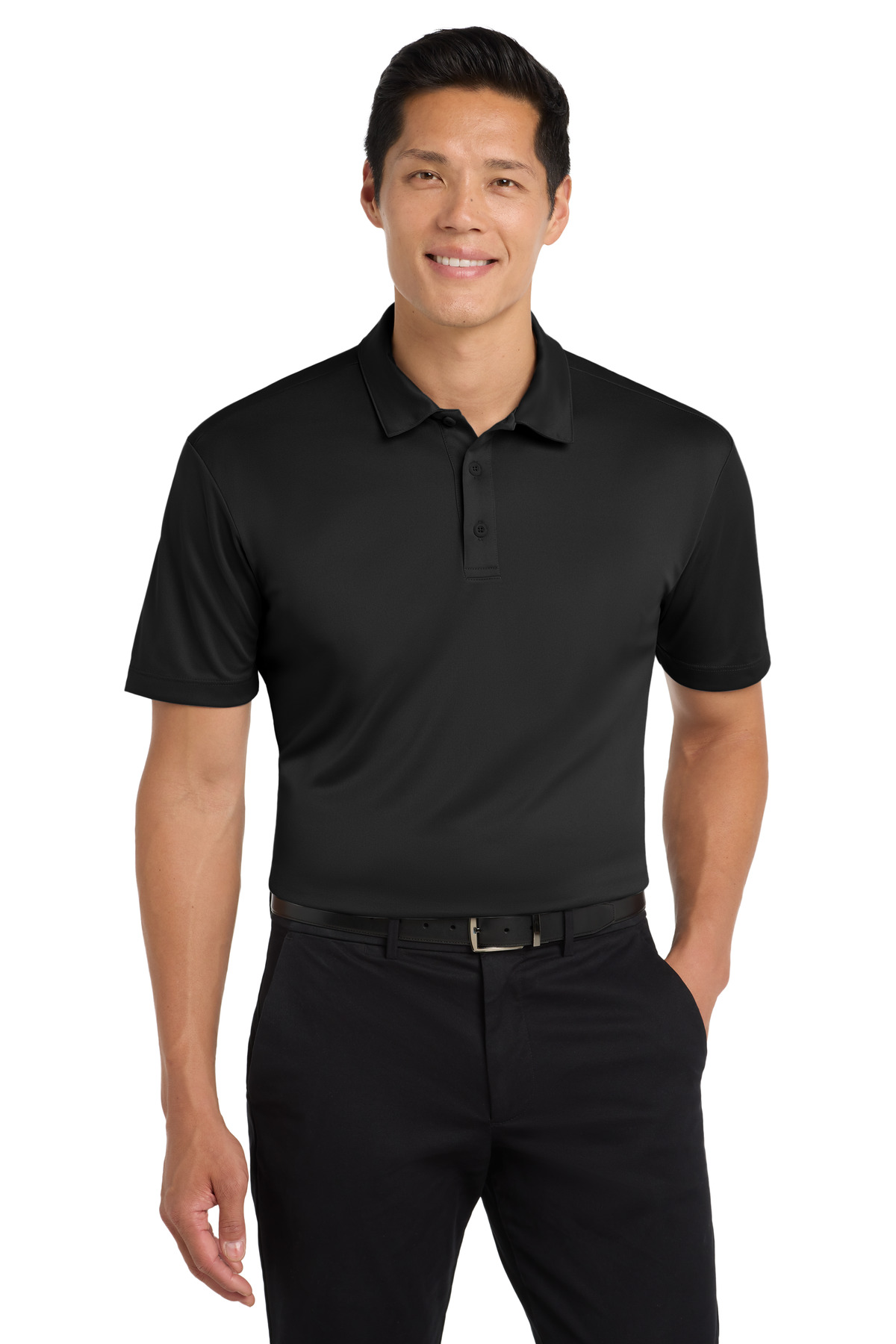 Silk Touch Performance Polo
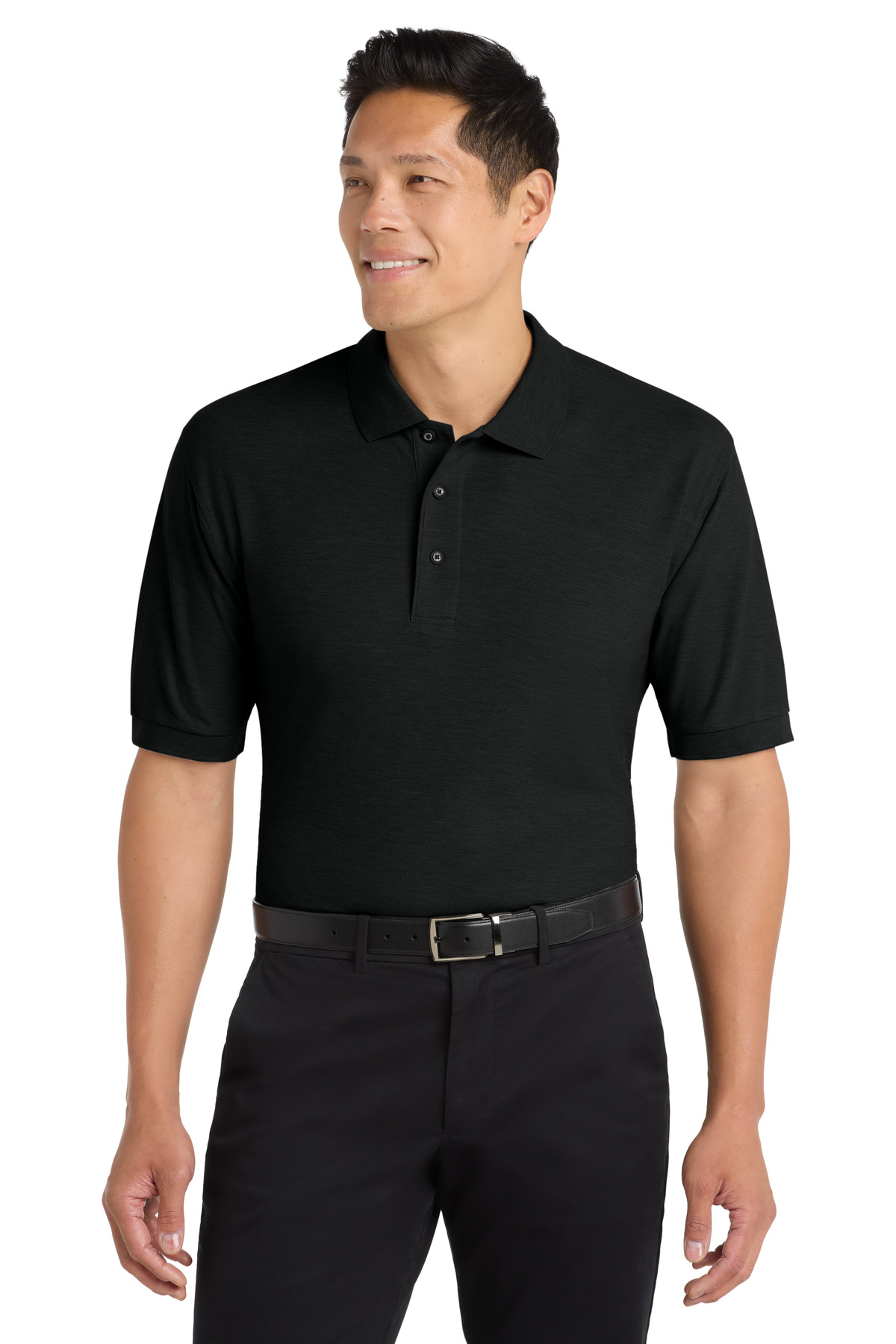 Silk Touch Polo
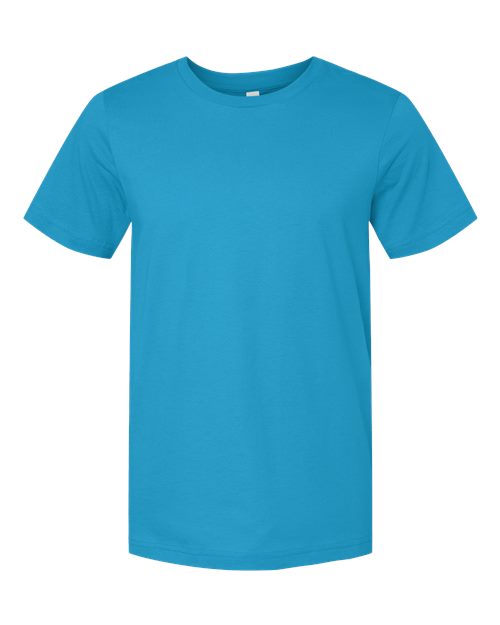 3001 Bella + Canvas Jersey Tee