Lesson 1 opens
The Workspace
Learn to put AI to work from a business owner who runs his shop on it.
Alex Stillo runs AMS Manufacturing & Printing in Houston. He uses AI agents to take orders, fix customer artwork and build the software the shop runs on. This course is the setup behind that work, taught on real jobs, so you can build your own.
Early-bird price until December 17. Then $297.
- Lifetime access
- 30-day full refund
- Layaway available
Buying for someone else? Give it as a gift
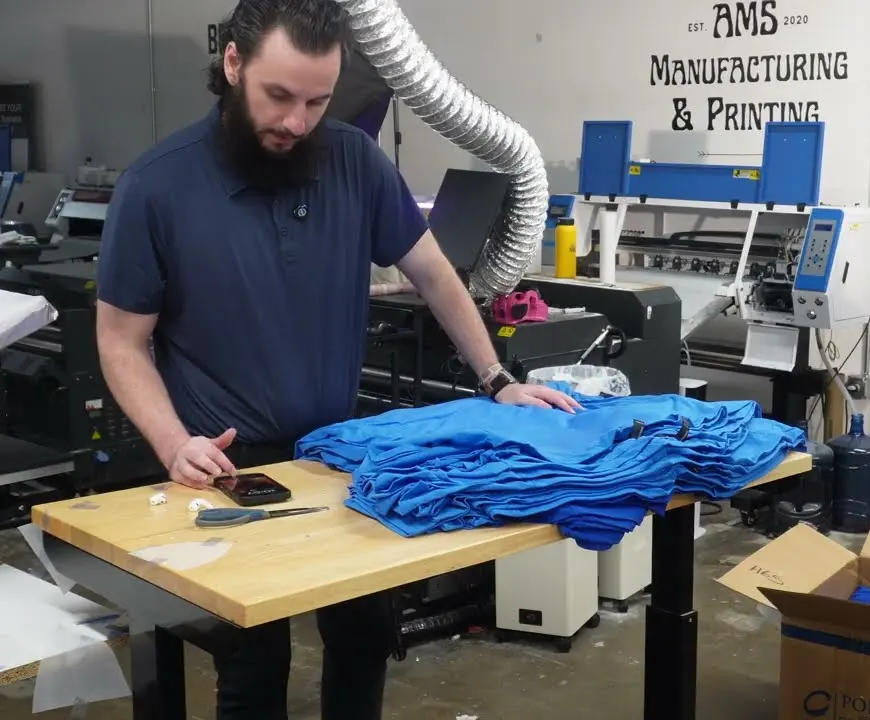
The business behind the course
The Workspace isn’t theory from someone who sells courses for a living. It comes out of a production shop with customers, deadlines and payroll. Here are the numbers.
- 5,559
- orders in 2025, up 39% from the year beforeSource: AMS 2025 year in review
- 52%
- of 2025 orders shipped within 24 hours. A third shipped the same day.Source: AMS 2025 year in review
- 4.9 stars
- across 28+ Google reviews from customersSource: Google Business Profile
- 300K+
- designs made in DesignGen, the AI design tool we built and launched in April 2025Source: AMS 2025 year in review
- $156K
- paid out in 2025 to the partners who sell through AMS PlusSource: AMS 2025 year in review

Alex Stillo
Founder, AMS Manufacturing & Printing. Your instructor.
Why I’m teaching this
I’ve printed for clients for more than seven years and opened AMS in Houston in 2020. We make DTF transfers, gang sheets and finished apparel, and we ship every day.
A small team can’t answer every order question, fix every customer file and keep the presses running. So I started building AI into the business: DesignGen for artwork, an AI file fix for blurry customer images, and Amy, an ordering agent customers talk to on our site. Not all of it worked the first time. I filmed most of it anyway.
The Workspace is the setup I use for that work. How I give AI context about the business, connect it to our tools, check what it did, and save what works so the next run is faster. You don’t need a print shop to use it. You need a project and the patience to try things.
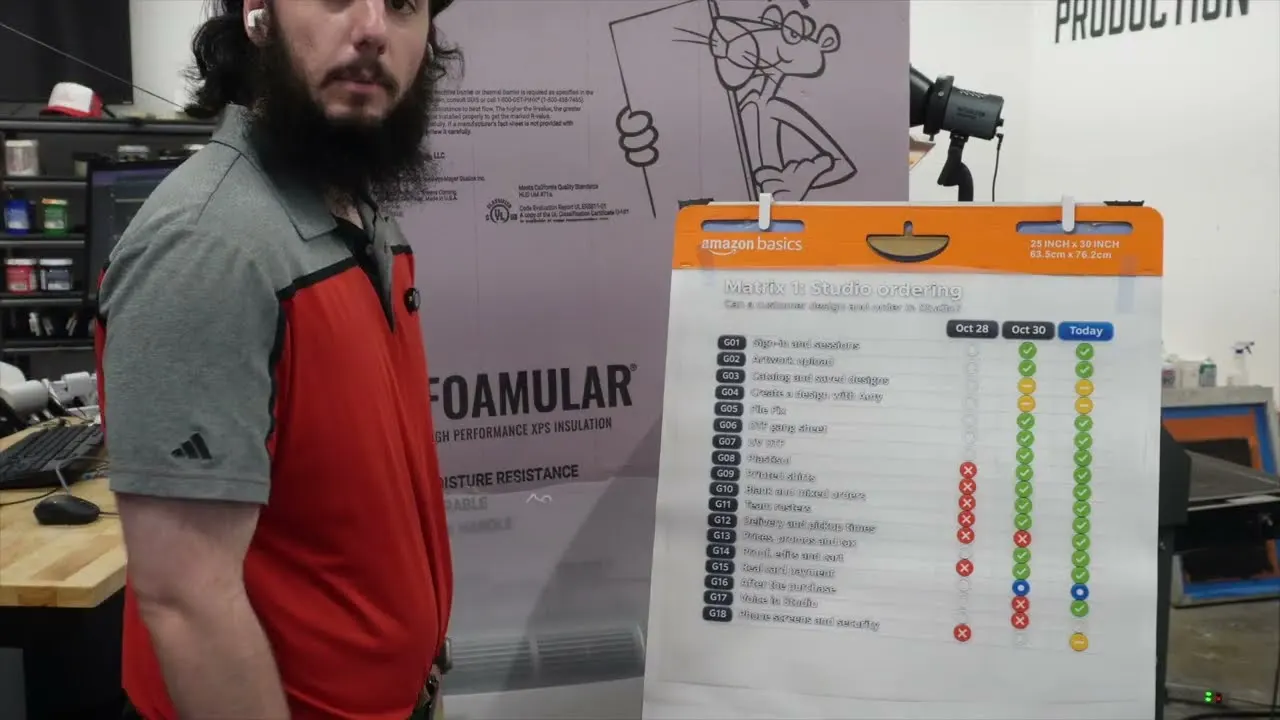
Watch the work before you buy
1,400+ videos on the @chooseams YouTube channel, filmed in the shop on real orders. Start with these.
Wins, misses, and the numbers we could have hidden
From our 2025 year in review. Running a business means seeing both columns, and so does using AI well.
What went right
- +39%More orders in 2025 than 2024.
- 282Orders in May 2025, our biggest month.
- 26New partners joined AMS Plus, our partner program, in 2025.
What didn’t
- +15.4%Revenue grew far less than orders did. We were winning more orders, but smaller ones.
- 59Orders in December 2025, our slowest month. Busy seasons don’t last all year.
- 22×84″Our UV DTF gang sheet at that size was the lowest seller we offered.
What you’ll build
Your own AI workspace, set up around your work, and the judgment to keep using it. The course works through six areas in order. Lesson 1 opens December 17.
Set up your workspace
Get an agent environment working on your computer. When to use Codex, ChatGPT or Claude Code, and how to pick a model for the job.
Teach it how you work
Write down who you are, what you sell, your brand, good examples, and what a finished result looks like. This is the part most people skip.
Connect your tools
Plugins, connectors and MCP in plain terms. Give the agent access to the files and apps it needs, and nothing it doesn’t.
Put computer use to work
Let an agent work through a browser or app, decide when that’s worth it, and review what it did before it counts.
Get a result worth keeping
Write a brief, give feedback, troubleshoot. What to change when the first attempt misses, which it often will.
Make the next time easier
Save what works as skills, routines and automations, so the second run takes minutes instead of an afternoon.
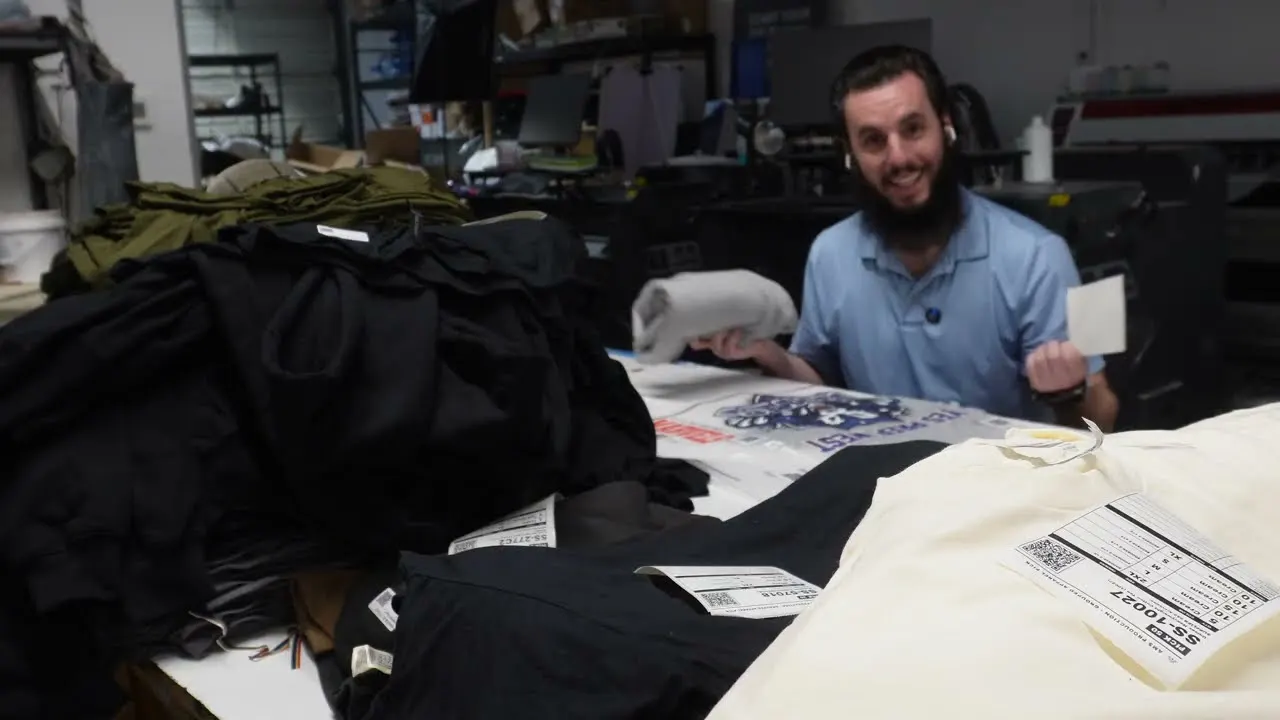
You won’t be figuring it out alone
Nearly 7,000 people follow the shop on YouTube, where we press real customer orders live. In 2025, 26 new partners joined AMS Plus and sold through us.
Inside the course, every lesson has a discussion thread, and there’s a members-only space for your setup, your questions and your results. Alex and the AMS team are in there with you.
Join at the early-bird price
- Now until December 17$197
- From December 17, when lesson 1 opens$297
Buy once and keep it. Lessons we revise or add later are part of your access at no extra cost, though we don’t commit to a schedule. AI changes quickly and the course changes with it.
$197$297
- Lifetime access to The Workspace
- Every lesson in the course when you log in
- Lesson discussions and the members-only space
- 30-day full refund
Rather spread it out? Choose 2 to 6 monthly payments at today’s price. The course unlocks when your last payment clears.
Full refund within 30 days of your first payment. Purchase terms
Questions
Who is this for?
People who have tried AI tools and want real work out of them. Bring a project or a task you repeat in your business, creative work or job. You don’t need a print shop.
Do I need to be a developer?
No. You need to be comfortable on a computer and willing to experiment. Technical pieces get explained as we use them. Some projects involve working with code through an agent, and that’s part of what you’ll learn to direct.
When does it start?
Lesson 1 opens on December 17, 2026. Your access never expires, so you can start then or whenever suits you.
What does lifetime access mean?
You keep access to the course for as long as we run it, with no renewal fee. AI tools change quickly, so lessons will change too. Whatever is in the course when you log in is yours to use. We don’t commit to a schedule for changes.
How does layaway work?
Choose 2 to 6 monthly payments at checkout. Your price is locked on the day you start, including the early-bird price. Payments stop on their own after the last one, and the course unlocks when it clears. Cancel any time before then and we refund what you paid. Need terms outside that range? Email us.
What if it isn’t for me?
Email support@amsmanufacturing.com within 30 days of your first payment for a full refund. No forms.
Are AI subscriptions included?
No. AI subscriptions and any paid tool or API usage are separate, and you choose which ones to use.
Can I give The Workspace as a gift?
Yes. Choose “Give it as a gift” next to the price. You pay once, and we email a gift code to them, or to you if you’d rather hand it over yourself. They claim it with a free account and get the same lifetime access. Each code works once and doesn’t expire, and the 30-day refund applies to gifts too.
Will this cover a network of dedicated computers?
Not in this course. It focuses on your own workspace. Running agents across dedicated machines is planned as a separate course.
Not ready yet?
Get an email when lessons open. Joining the list is free and doesn’t reserve a seat.